Decisions to Print the Perfect Barcode Label
There are several decisions that you need to make before you buy:
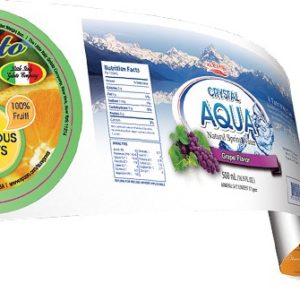
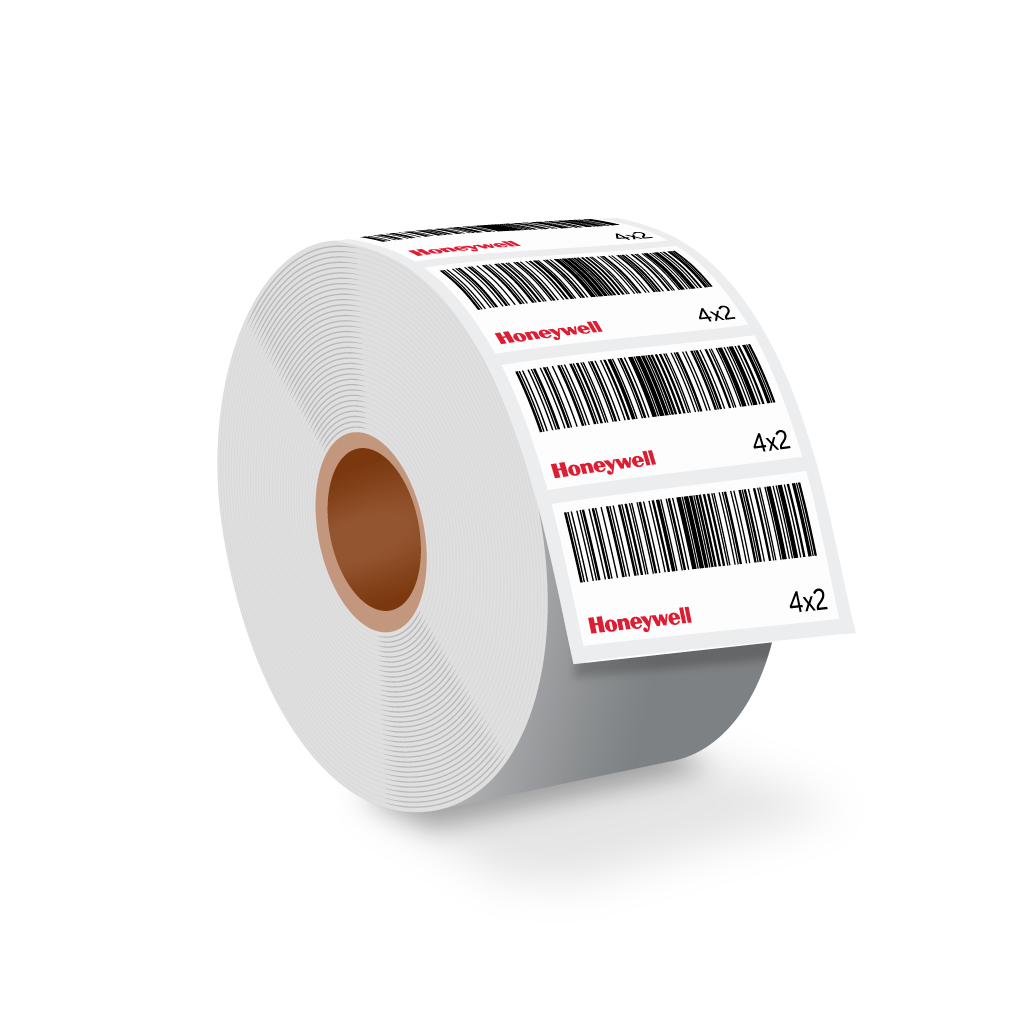
- Label size: 4 x 2 or 4 x 6? See stock sizes
- Label material: paper or poly?
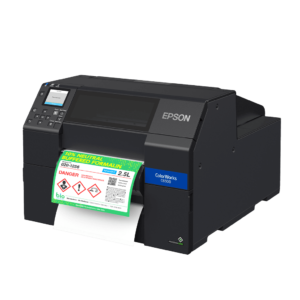
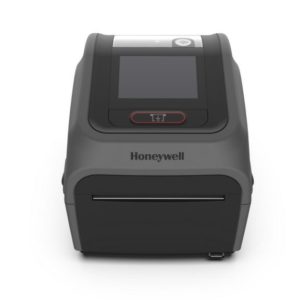
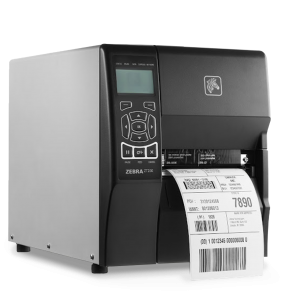
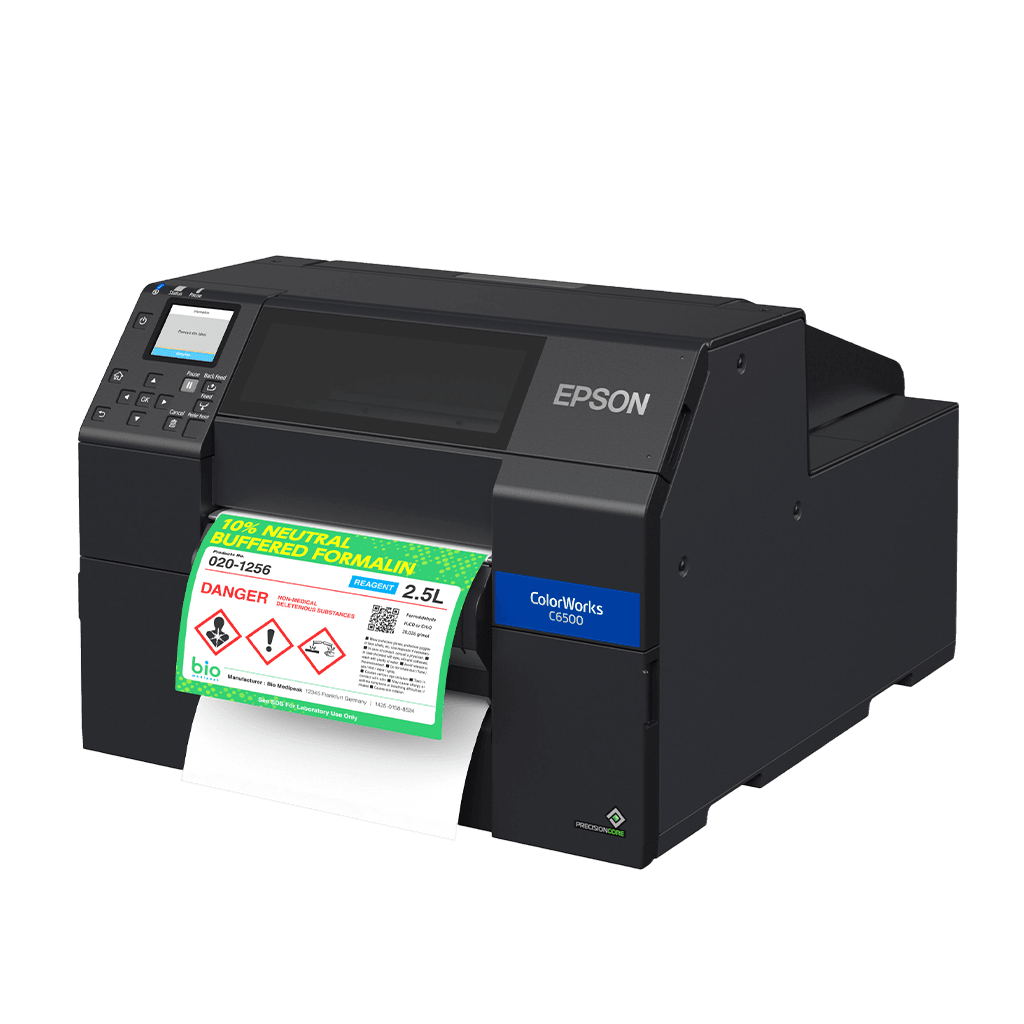
- Barcode printer: light duty or heavy duty?
- Software: Design/Print software is easy to design and maintain
Label Size
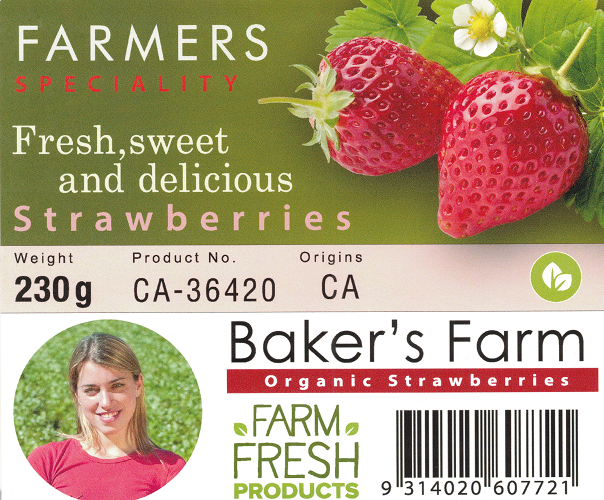
The 4 x 6 label is the most popular size for a shipping label. Other sizes are used for product identification or location labelling. See stock sizes and if you need a different size, please let us know.
Label Material
- Direct thermal or thermal transfer?
- A direct thermal label is chemically treated paper that reacts to heat to form an image on the label. If you think back to the olden days of fax machines, the fax paper was direct thermal and would turn brown and fade with age
- A thermal transfer label requires a ribbon to create the image as it is a plain paper label and will last for years
- Paper or poly?
- A paper label is the most popular and the least expensive
- A poly label is best used for wet or outdoor environments to withstand the elements
Barcode Printer
Barcode printers will give you a perfect barcode every time. Here are some considerations to ponder:
- Rugged environment vs. office – desktop printers are suitable for office printing
- How many labels per hour or per day – industrial printers are best suited for heavy duty printing
Design/Print Software
- Barcode label printers are installed as a Windows printer, so any Windows program can print to the printer. For example, if you are using Microsoft Word, you can specify the page size, design your label and then print to the label printer
- A label/design software program will design the label design and then make label production quite easy. The software can use a database, such as Excel, to keep the labels accurate. The most popular programs are Loftware and BarTender
If you would like some advice on how to print the perfect barcode, then you have come to the right place. We are the Barcode Experts and that is all we do. Contact us for advice and then we can pull together a full quote for you.